
Chapter 21 · 21.6
Plugins in Euro-Office: why WebOké doesn't offer them and what to do instead
If you search the internet for help with ONLYOFFICE, the program Euro-Office is based on, you'll find videos showing a Plugins tab: Zotero and Mendeley for citations, Translator, Thesaurus, an AI assistant, inserting YouTube videos. You won't see that tab in your WebOké Nextcloud. That isn't a bug or a forgotten setting: WebOké deliberately doesn't offer plugins, and that won't change.
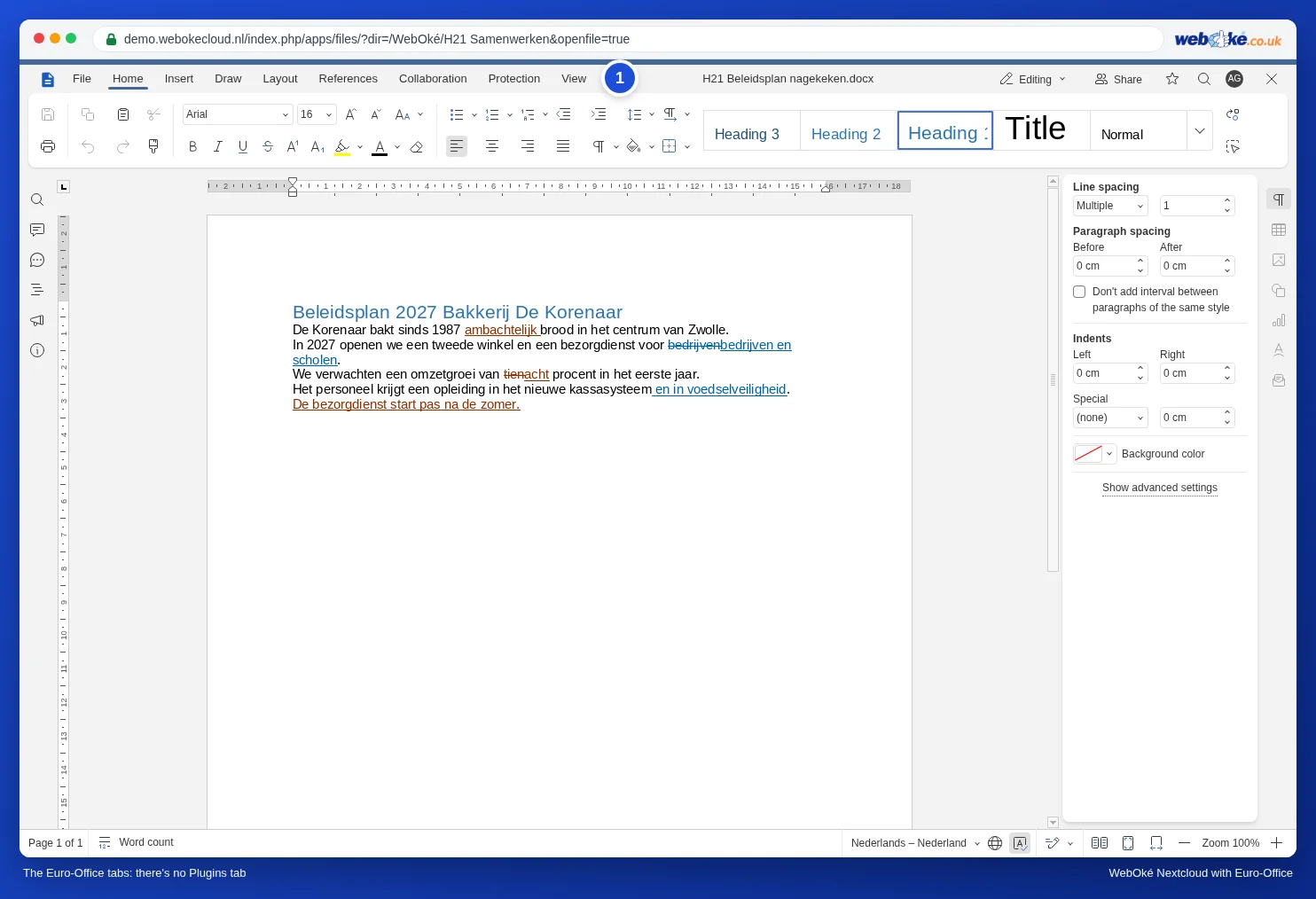
What you see in Euro-Office at WebOké
The document editor has the tabs File, Home, Insert, Draw, Layout, References, Collaboration, Protection and View. There's no Plugins tab, and you can't install plugins yourself.
Why no plugins?
- Your text stays in Europe. Many plugins rely on an online service. A translation plugin sends your text to a translation service, an AI plugin to an AI provider, often outside Europe. As a user, you can't easily see which text is sent or where it ends up. That's exactly why you choose a European cloud: your documents stay with WebOké.
- No hidden dependencies. A third-party plugin can change, disappear or suddenly start costing money. What's built into Euro-Office itself simply keeps working.
- Security. A plugin runs inside your document and can access its content. Fewer external components means less risk.
What to use instead
| You're looking for | How to do it without a plugin |
|---|---|
| Citations (Zotero, Mendeley) | For a thesis or article with many sources: use Zotero with LibreOffice on your computer and put the final result in your Nextcloud. For just a few sources: footnotes or endnotes in Euro-Office (see Footnotes, endnotes and links). You can also create an APA-style bibliography yourself, see Citations and a reference list (APA) in your thesis. |
| Translation | Translate in a European translation service of your choice and paste the result back. Set the language of the translated text correctly so the spell checker works with it (see Language, spell checking and dictionary). |
| Synonyms | Right-click a word with a red wavy underline for suggestions from the spell checker (see Language, spell checking and dictionary). For real synonyms, use an online dictionary. |
| AI writing help | Euro-Office has no built-in AI. If you use an AI service yourself, only paste in text that isn't confidential. |
| A video in a presentation | Put a link to the video on the slide (see Video and music in a presentation: what works in the browser and what doesn't). |
| Automating something | Use a macro: View tab, Macros button. Macros run inside Euro-Office itself, without any external service (see Automatically move a row to an archive sheet when it is done and Converting a VBA macro to JavaScript yourself: the translation table). |
Pitfalls
- Help for ONLYOFFICE doesn't always apply to Euro-Office. If a video shows a button you don't have, it's often a plugin. In that case, search this manual for the task itself, not for the button.