
Chapter 13 · 13.1
Unable to log in
Can't log in to the webmail? Go through these points. It usually takes just a few minutes to fix.
Login failed
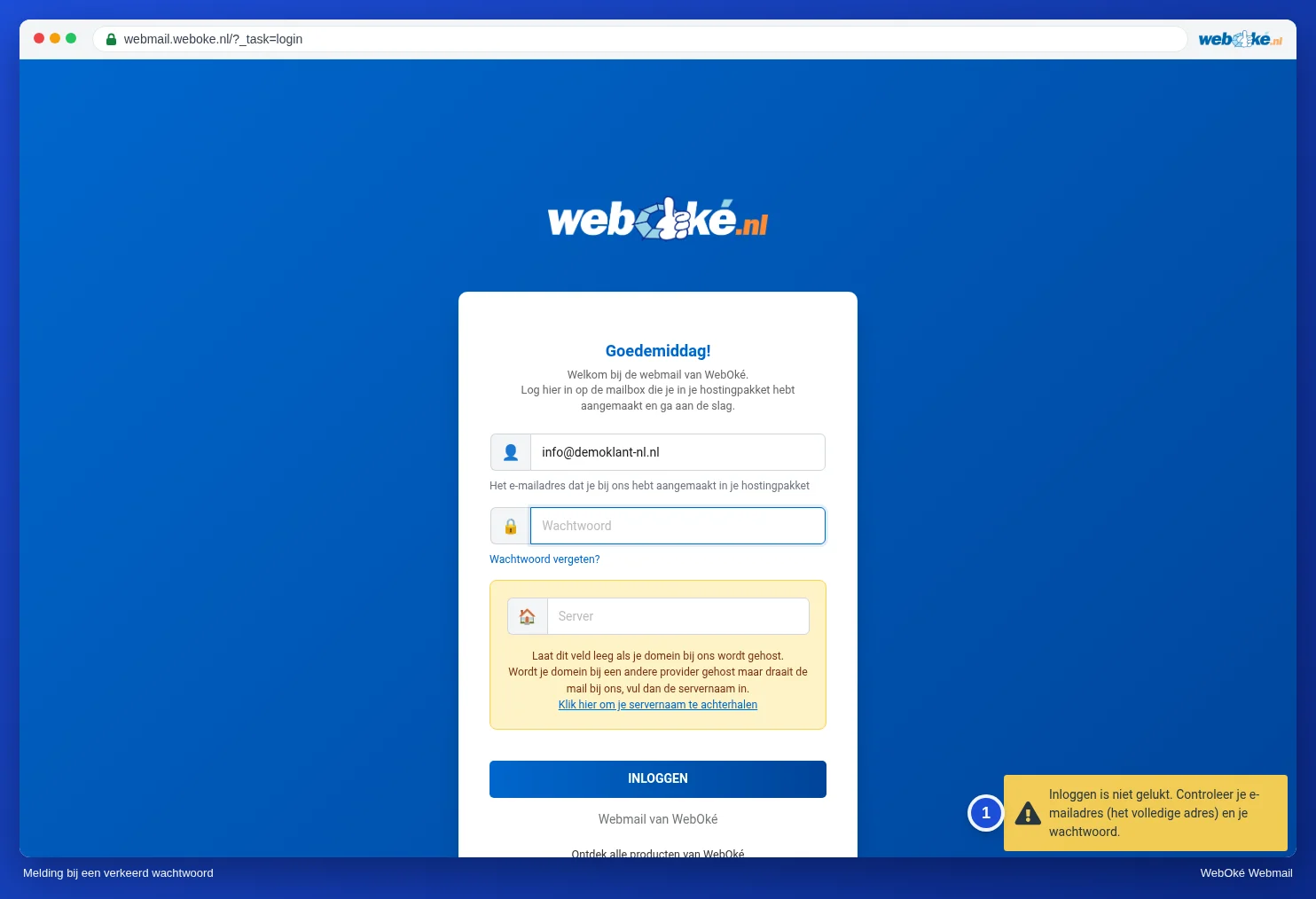
Do you see the message Login failed. Check your email address (the full address) and your password. (1) at the bottom right?
- Enter your full email address, so info@yourdomain.com and not just info.
- Check that Caps Lock is off. Passwords are case-sensitive.
- Use the password of the mailbox, not the one for My WebOké or DirectAdmin.
- Forgotten it? Set a new password in DirectAdmin, see Changing the password or limits of an email address.
- Leave the Server field empty, unless your domain does not point to WebOké (see The Server field: when do you fill it in?).
This webmail only works for email addresses hosted by WebOké
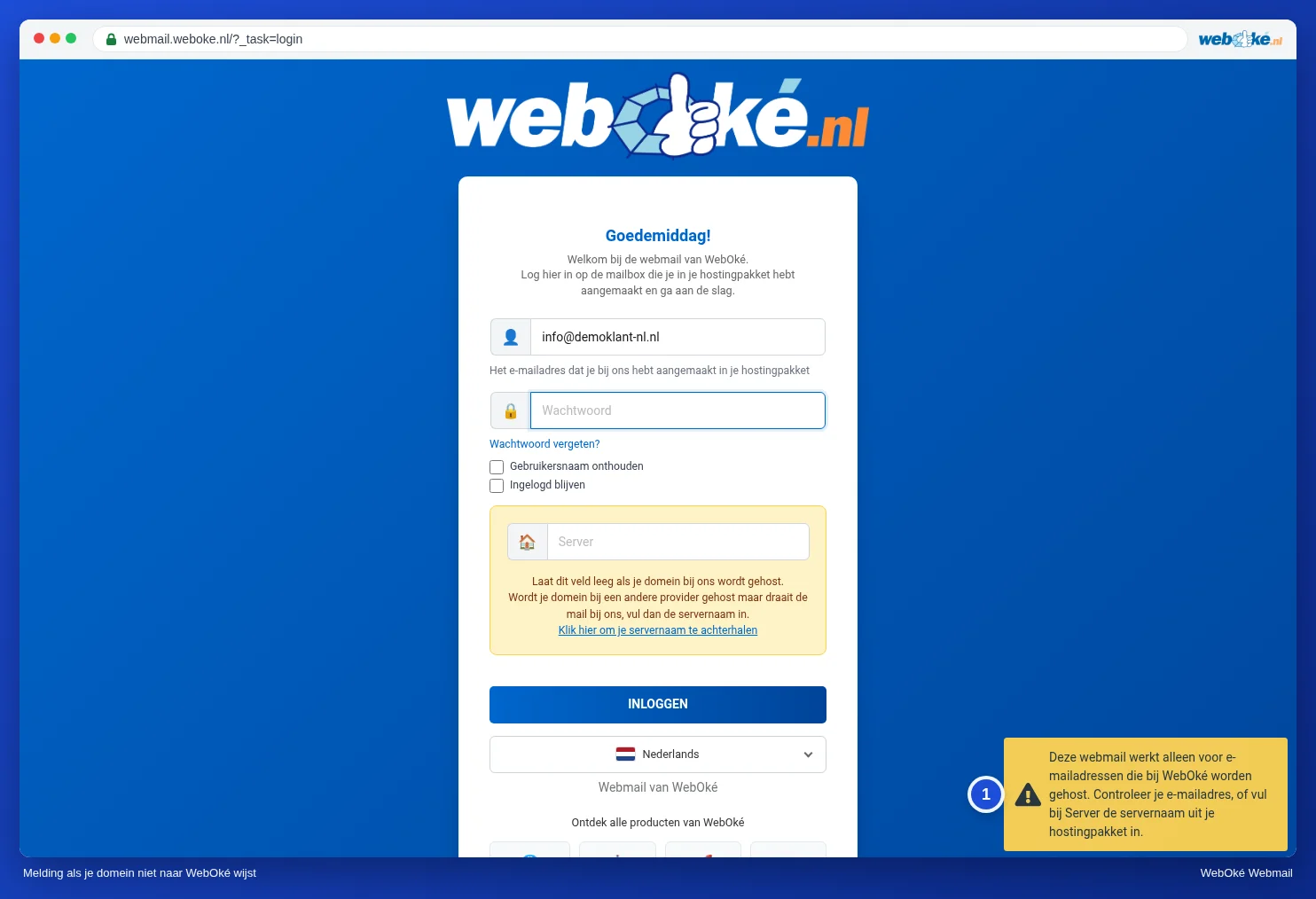
Do you see This webmail only works for email addresses hosted by WebOké (1)? Then the webmail cannot find your mail server via your domain.
- First check that your email address is spelled correctly.
- Does your domain not point to WebOké (yet), for example during a migration, or is your DNS managed elsewhere? Then enter the server name of your package under Server. See The Server field: when do you fill it in? and Which server is my hosting package on?.
- Have you entered something under Server? Then it must be a WebOké server, such as linux2023.webawere.nl. The name of another provider's server will not work.
The mail server cannot be reached
Do you see The mail server cannot be reached? Then leave the Server field empty, or enter the server name from your hosting package. If a server name is already filled in, check that you copied it correctly. If the message persists, check whether there is an outage (see below).
The page does not load
Does webmail.weboke.nl not load at all, while it does work on your phone over 4G? Then our firewall may have blocked your IP address, for example because a device kept trying to log in with an old password. Check this and unblock your address, see Am I blocked? Unblocking your IP address yourself. First set the correct password on all your devices.
Not working for anyone?
Check our outages page to see if there is an outage or maintenance.
Two-factor authentication code
Is your password accepted, but your code rejected? See Logging in with two-step verification.
You can find more information in Going to the webmail and what to do if you cannot log in.