
Part 1 · 1.6
552 Mailbox full or message too big
With error code 552 (or 452), the receiving server is telling you there's no room for your email: either the mailbox is full or the message is too big.
What the message looks like
| Code or text | What does it mean? |
|---|---|
| 452 4.2.2 or 552 5.2.2 Mailbox full, Quota exceeded, over quota | The recipient's mailbox is full. With 452 it's temporary; with 552 it's permanent. |
| 552 5.3.4 Message too big, size exceeds | The message is too big. With us, a message can be up to 50 MB. Attachments grow by about a third when they're sent, so you can fit about 36 MB of attachments. |
Is the recipient's mailbox full?
Then the recipient needs to make space. Let them know another way, or try again later.
Is your own mailbox full?
If someone emailing you gets this message, your mailbox or your whole package is full. New email is then rejected and won't arrive later either.
- In DirectAdmin, go to E-mail Accounts and check the Usage column to see how much space the mailbox is using.
- Empty your trash and your spam folder. Deleted email still counts until you empty the trash.
- Delete old emails with large attachments. In webmail, you can sort by size.
- Does the mailbox have its own limit (quota)? Raise it under Change Limits, or tick Max if your package still has space.
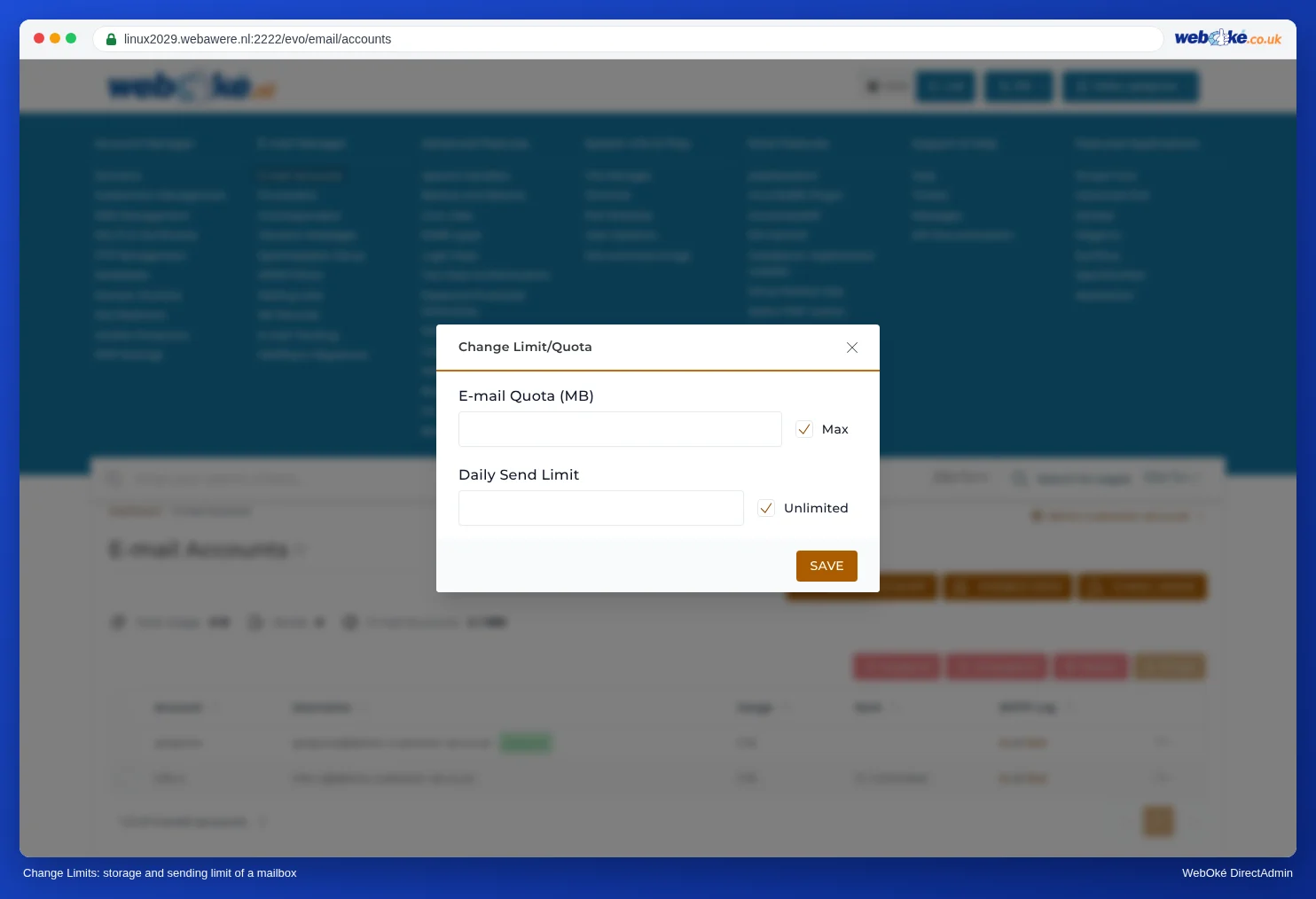
Change Limits: the storage and sending limit of a single mailbox - Is your whole package full? Then order extra storage for your package in My WebOké.
More in Storage per mailbox and what happens when it's full.
Is your message too big?
On all our mail servers, a message can be up to 50 MB. Attachments grow by about a third when they're sent, because they're converted to text. That means about 36 MB of attachments fit in one message. Webmail also shows this when you add an attachment: Maximum allowed file size is 36 MB. Many recipients accept smaller messages only.
So send large files as a download link, for example from your Nextcloud, instead of as an attachment.
When should you contact us?
Have you freed up space, but email to you is still being rejected with a message about quota? Then get in touch.
Ask the AI assistant in My WebOké first, or create a ticket via Support centre and then Submit a ticket. Include:
- the email address that isn't receiving the email
- the full message the sender got back
Never send your password.