
Part 2 · 2.3
403 Forbidden caused by Imunify360 or the firewall
Do you click Update in WordPress, submit a form or upload a file, and get 403 Forbidden, 406 Not Acceptable or a blank page? Then a security measure is usually blocking the request because it looks like an attack. All our servers run the Web Application Firewall (ModSecurity) and Imunify360.
How to recognise it
- The 403 or 406 only appears when you save, submit or upload, not when you simply view a page.
- The error log of your domain contains a line with ModSecurity: Access denied with code 403 or IM360 WAF.
Other causes of a 403
- A security plugin on your website, such as Wordfence, iThemes Security or All In One WP Security.
- Wrong permissions: folders should be 755, files 644.
- Hotlink Protection, if the 403 only appears for images.
- A protected folder or a rule such as Deny from all in .htaccess.
- A 403 on your entire website with You don't have permission to access / on this server: this usually means there is no index.php or index.html in public_html. See Forbidden (403): You don't have permission to access / on this server.
How to fix it
- Write down the time when it went wrong.
- In DirectAdmin, open Web Application Firewall and click Audit log next to your domain. Look for the request around that time: it shows the number of the rule that blocked it.
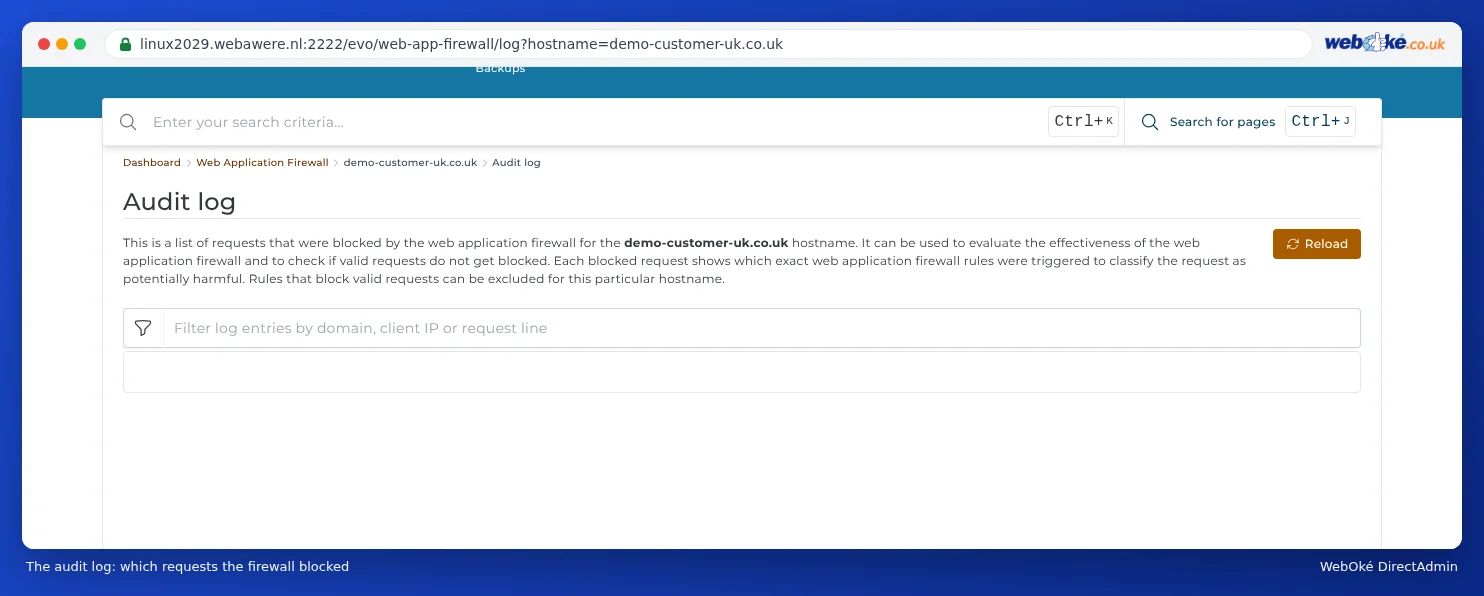
The audit log: which requests the firewall blocked - Disable only that rule for this domain (see Web Application Firewall). Don't switch off the firewall completely.
- Do you use a security plugin? Check that plugin's logs, or disable it temporarily to test.
Please note: Do your website, email and DirectAdmin not load at all from your own internet connection, but do they work over 4G? Then it isn't a 403 but an IP block. See Time-out: website, mail and FTP suddenly unreachable.
When should you contact us?
Is it a message from Imunify360 (IM360 WAF), or can't you find the rule? Send us the line from the error log and the address of the page, and we'll take a look.
Ask the AI assistant in My WebOké first, or create a ticket via Support centre and then Submit a ticket. Include:
- the full address of the page where it goes wrong
- the time when it went wrong
- what you were doing at that moment, for example saving, uploading or logging in
- a screenshot of the message
- the line from the error log with ModSecurity or IM360 WAF
Never send your password.
More detail: Error 403 or 406 when saving or uploading and Imunify360: scanning your website for malware.