
Chapter 1 · 1.3
The details you need
Whichever Outlook you use, you always enter the same details. Look them up before you start.
| Setting | What do you enter? |
|---|---|
| Account type | IMAP |
| Incoming server | your domain name, for example yourdomain.com, or the server name of your package, for example linux2023.webawere.nl |
| Incoming port | 993, security SSL/TLS |
| Outgoing server (SMTP) | the same name as the incoming server |
| Outgoing port | 587 with STARTTLS, or 465 with SSL/TLS |
| Username (incoming and outgoing) | your full email address, for example info@yourdomain.com |
| Password | the password of this email address |
| Outgoing server requires authentication | on, with the same username and password |
Which server name do you enter?
You have two options. Both lead to the same mail server.
- Your domain name, such as yourdomain.com. This works if your website is hosted at WebOké and your domain has a valid certificate.
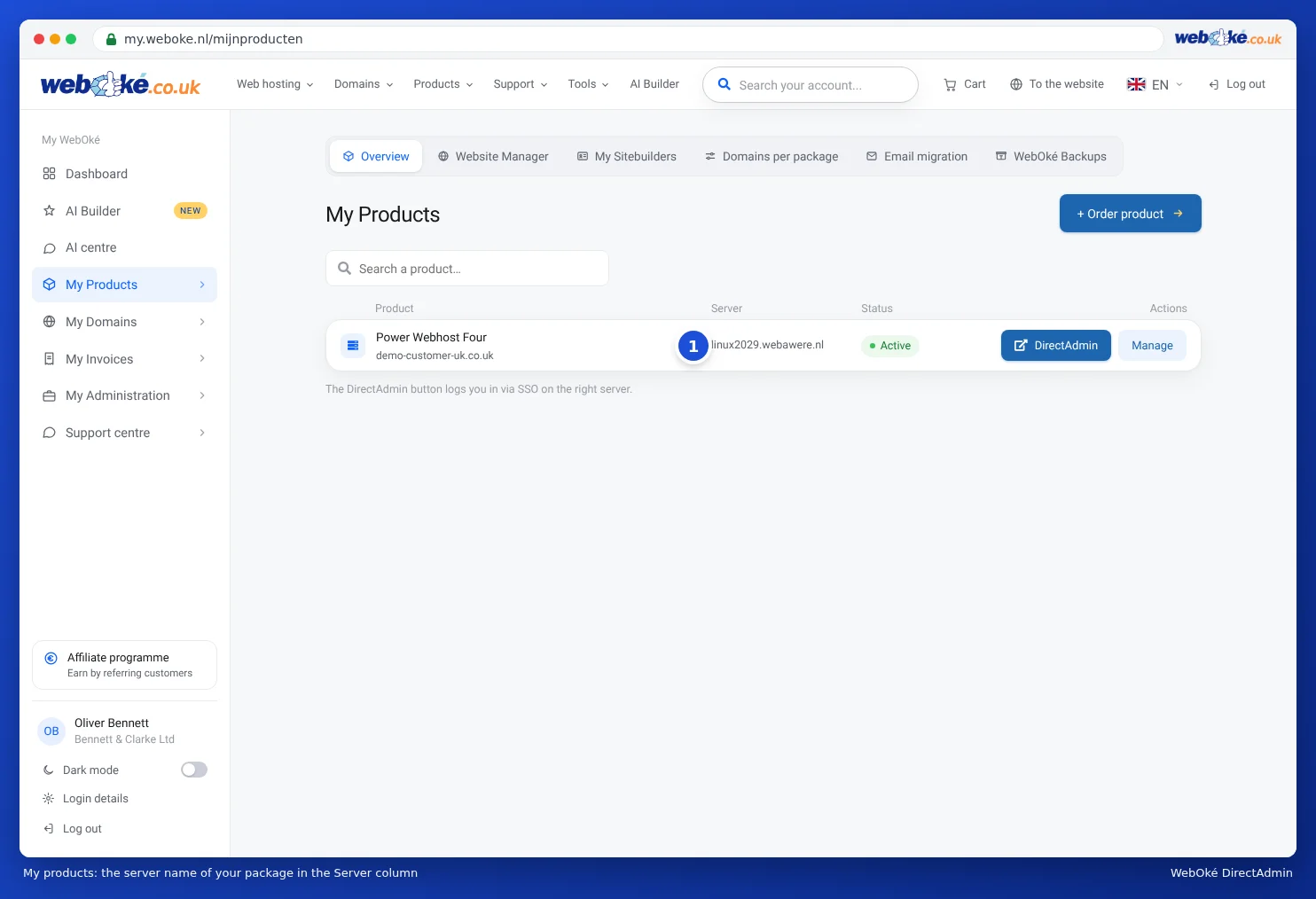
- The server name of your package, such as linux2023.webawere.nl. This always works and never gives a certificate warning. Use it if your website is hosted elsewhere, if you have an email package, or if you get a certificate warning.
You can find the server name in My WebOké under My Products, in the Server column.
You can read more about the server name, including mail.yourdomain.com, in All settings at a glance: servers, ports and security.
IMAP, not Exchange, and preferably not POP
- Your mailbox at WebOké is an IMAP mailbox. Your mail stays on the server, so you can also see it on your phone and in webmail.
- It is not an Exchange or Microsoft 365 account. If Outlook suggests that, choose IMAP yourself.
- POP3 is also possible, but then Outlook removes the mail from the server. You will no longer see it on your other devices. Read about the difference in IMAP or POP3: what is the difference?.
Tip: Forgotten the password of your email address? Set a new password (see Changing the password of an email address) and test it in webmail first.