
Credit balance: what is it, how do you pay with it and how do you get a refund?
Credit balance is a credit on your account with WebOké. In My WebOké you can see exactly how much credit you have and what has happened to it, and you can use it to pay outstanding invoices. Paid twice and would you rather have the money back? You can read about that at the bottom.
How does credit balance arise?
- You paid too much on an invoice, for example because of a double payment.
- You received a credit note.
- You cancelled a service early and the remaining amount was added as credit.
- You added credit to your account in advance yourself. You can read how that works in Adding credit to your account.
- WebOké added credit manually.
Where can you see your credit balance?
- Log in to My WebOké.
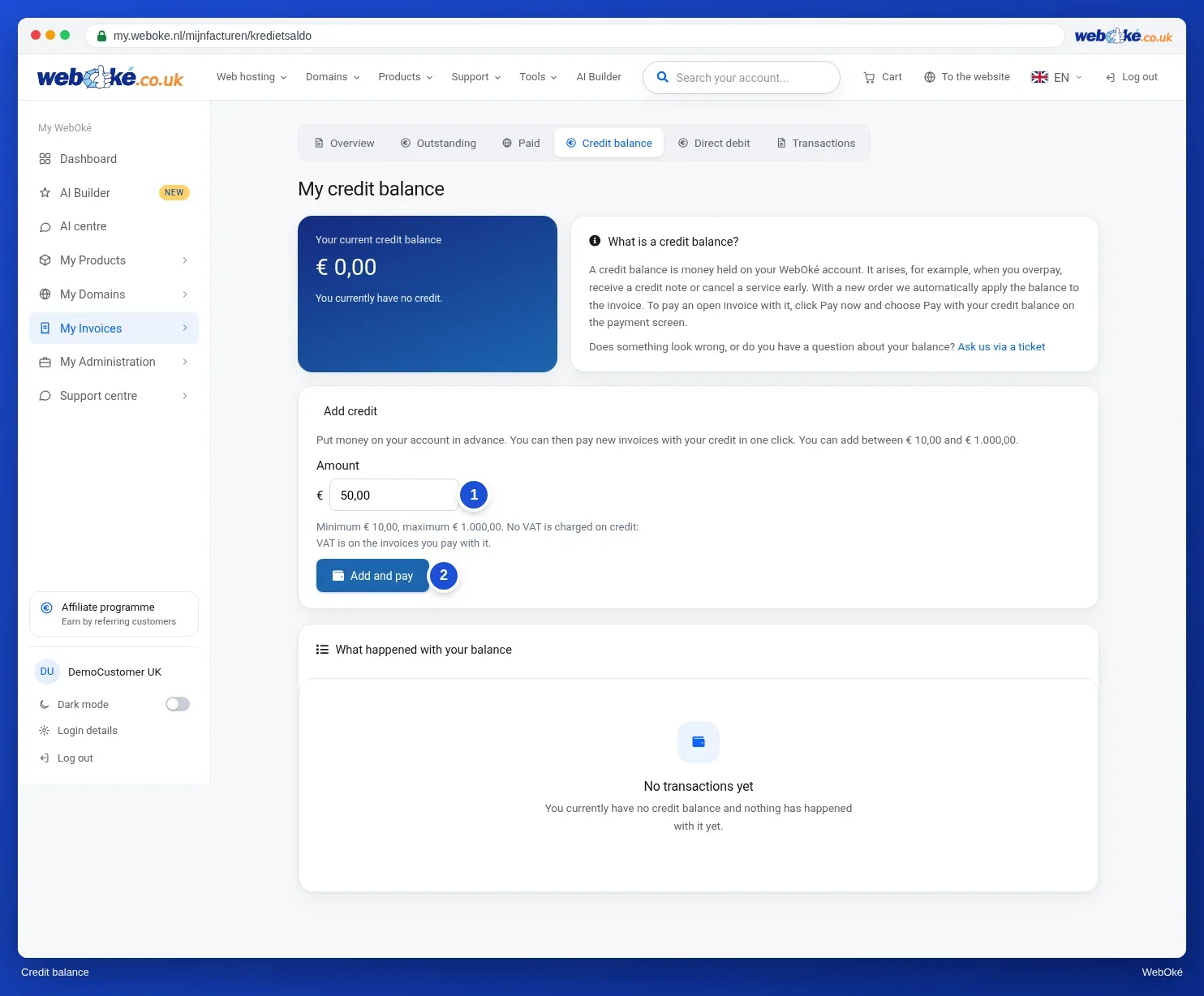
- Go to My Invoices and select the Credit balance tab, or go straight to my.weboke.nl/mijnfacturen/kredietsaldo.
You'll see your current balance and an overview of all transactions: what was credited, what was offset against which invoice, and the balance after each step.
Paying with your credit balance
- Open the outstanding invoice in My Invoices and click Pay now. Or click Pay with my balance on the Credit balance page.
- On the payment screen, choose Pay with your credit balance.
- If your balance covers the full amount, the invoice is marked as paid right away. If your balance is lower than the invoice amount, the balance is applied and you pay the remainder with another method, for example iDEAL.
You can only pay with credit balance when you're logged in to My WebOké yourself. This option isn't available through a forwarded payment link or QR code.
Automatic offsetting on orders
When you place a new order, we automatically offset your credit balance against the invoice for that order. You then only pay any remaining amount.
Paid twice? Get your money back instead of credit
If you paid an invoice twice, the overpaid amount is first added to your account as credit balance. Would you rather not use the credit for a future invoice? Then you can request a refund:
- Go to My Invoices › Credit balance and click Ask your question via a ticket.
- State the number of the invoice you paid twice and the amount you want back.
- We'll refund the amount. If you paid by bank transfer, we'll transfer it back to that account. If you paid via iDEAL, for example, the money usually goes back the same way and you don't need to provide anything. If that doesn't work, we'll send you an email with a personal link to enter your account number (IBAN) and the name of the account holder.
The link in that email can be used once and is valid for 30 days. Don't trust the link? Then use the action code from the email, as explained in Is this email really from WebOké? Recognising phishing and using the action code. Never send your account number separately by email.
We'll refund you within 5 business days. Once the refund has been made, you'll see it on the Transactions tab. The invoice itself simply stays marked as Paid, because it was paid in full once.
Questions about your balance?
Something not right, or want to discuss your credit? Submit a ticket and we'll look into it with you.
Detailed explanation with screenshots: Credit balance and topping up credit in the WebOké manual.