
Locked out of your VPS: what now?
Can't get in anymore? Work through these steps from top to bottom.
1. Is your VPS running?
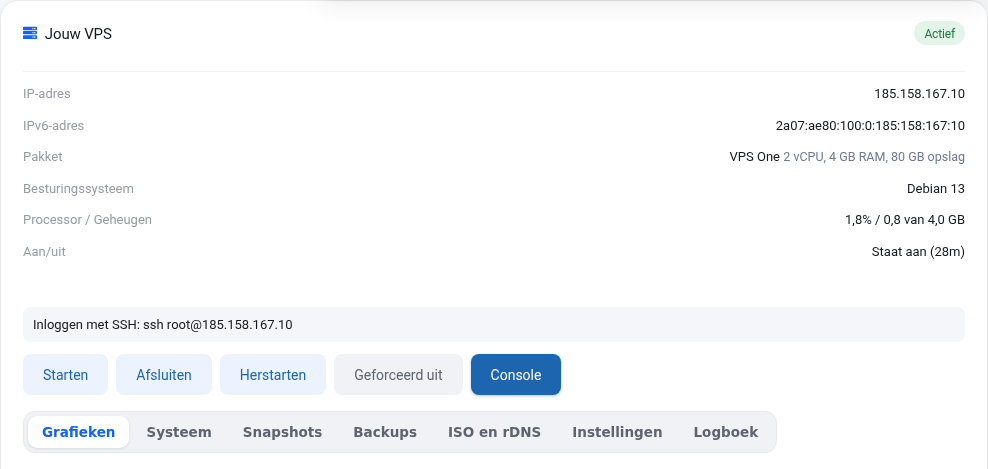
Check Power in your VPS screen. If it's off, click Start. If it says "suspended", check My Invoices for an unpaid invoice: once it's paid, your VPS will start up again automatically.
2. Lost your password
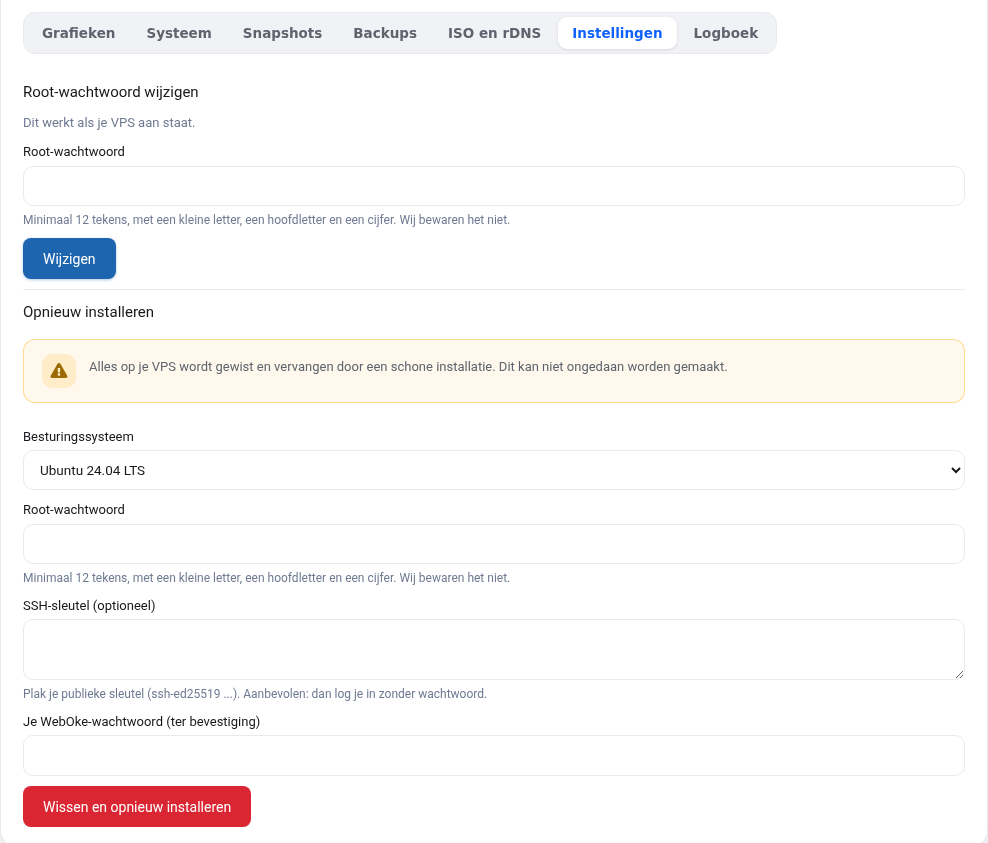
Set a new root password in the Settings tab. This works without a restart, but only if your VPS is running and the qemu-guest-agent is active. Check the System tab: if you can see your operating system there, the agent is running.
3. Locked out by your own firewall or SSH settings
Click Console in your VPS screen. You'll see your VPS's screen in your browser, as if you were sitting next to it with a keyboard and monitor. This also works when SSH or the network is down: log in as root and undo your change (for example ufw disable). To paste, use the Type clipboard button.
If that doesn't work, take a snapshot first so you can always go back. After that you have two options:
- Restore a backup from a day when everything still worked (Backups tab).
- Boot from an ISO (ISO and rDNS tab), for example a Debian or Ubuntu installation ISO in rescue mode. This lets you mount your disk and undo the setting.
4. Slow or unreachable
Check the Graphs tab. If the processor or memory stays at 100% for a long time, something is getting out of hand or your plan is too small. You can choose a bigger plan via My Products.
Still stuck?
Your VPS is unmanaged, so you manage what happens inside your server yourself. But we won't leave you hanging: open a ticket describing what you've already tried, and we'll help you think it through.
Detailed explanation with the commands to undo your change: Locked out: you can no longer access your server in the VPS guide.
Want to learn more? Take the free course VPS and Linux server management, lesson 10.3 When things go wrong.