
Increasing the disk space of your VPS
When you choose a bigger VPS plan, your VPS's virtual disk grows. Whether the extra space is usable right away depends on how your VPS was installed.
VPS installed from the VPS screen (the default)
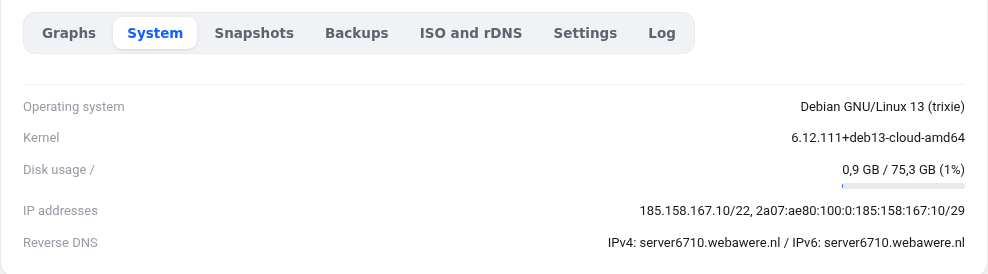
After the plan change your VPS restarts automatically. During boot the system (cloud-init) grows the partition and file system automatically. You do not need to do anything. Check with:
df -h /
Not seeing the new size yet? Restart your VPS once more from the VPS screen, or do it manually as below.
Growing manually
First take a snapshot so you can go back if something goes wrong. Then log in as root.
- Look at the layout with
lsblk. Your disk is usually calledsda; find the partition holding/, for examplesda1. - Grow that partition with
growpart /dev/sda 1(the digit is the partition number). No growpart? Install it withapt install -y cloud-guest-utilsordnf install -y cloud-utils-growpart. - Grow the file system. Check the type with
df -T /:- ext4:
resize2fs /dev/sda1 - xfs:
xfs_growfs /
- ext4:
- Check with
df -h /.
Installed manually with LVM (for example an older AlmaLinux VPS)
If lsblk shows a line of type lvm below the partition, after step 2 run:
pvresize /dev/sda2(the partition holding LVM)lvextend -r -l +100%FREE /dev/mapper/almalinux-root(see the name indf -h /;-rgrows the file system as well)
Stuck? Open a ticket and include the output of lsblk and df -h, and we will take a look.
Was this article helpful?