
Understanding your invoice: line items, pro rata, VAT, and deviating amounts
Does the amount on your invoice differ from what you expected, or do you see lines you don't recognize? In this article you'll read how a WebOké invoice is structured and where the most common differences come from.
Where do you find your invoice?
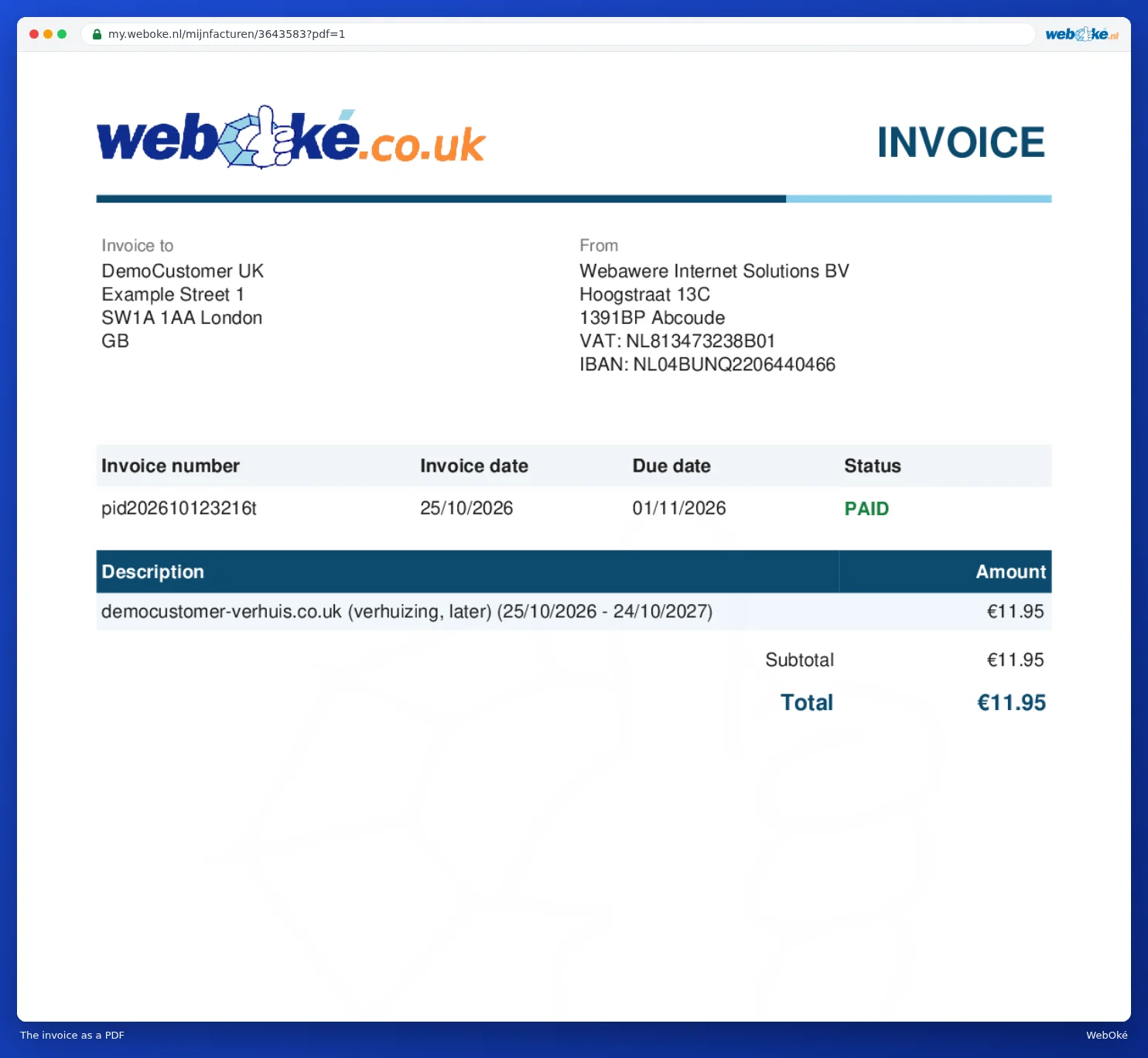
All your invoices are in My WebOké under My Invoices. Open an invoice to see the lines, the subtotal, the VAT and the total. At the bottom you'll find the payments linked to the invoice. You can read how to download or email an invoice in Viewing and downloading your invoices.
The lines on your renewal invoice
We create your renewal invoice about five weeks before the due date. It includes:
- A line for your package, with the period you're paying for.
- A separate line per paid option, such as extra storage, extra domains in your package or extra users. Options without costs aren't listed.
- A line per domain name being renewed, with the number of years and the period.
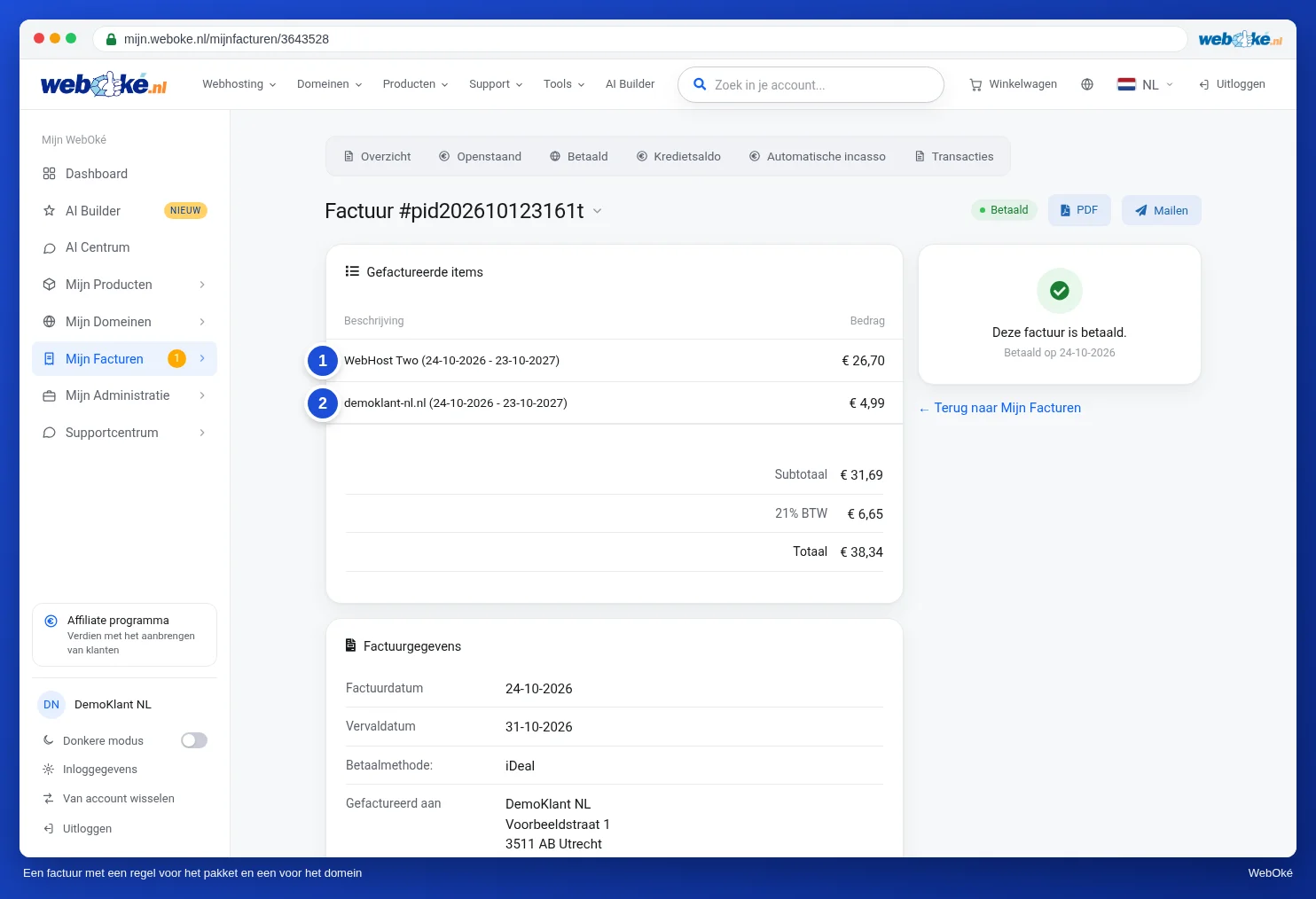
If multiple products or domains expire on the same day, they'll appear together on one invoice.
Why does the amount differ?
- You expanded something during your term. If you choose a bigger package or more storage, domains or users, you'll pay the difference on a pro rata basis for the rest of your current period. This appears on a separate invoice. From the next renewal onwards, the expansion is included in your regular price, so your renewal invoice will be higher than before. See How do I change or upgrade my hosting package? and Ordering more storage/disk space.
- You chose a smaller package. A downgrade takes effect at your next renewal. Until then, you pay the old price and you won't get anything refunded. See Changing your package (upgrade or downgrade).
- You're still paying for domains you no longer use. If you remove a domain from your package, the number of domains in your package stays the same. Lower the number under Configurable options, otherwise you'll simply keep paying for it at the next renewal. See Domains per package and moving a domain.
- Our prices have changed. We announce a price change in advance by email. The new price applies from your next renewal after the effective date.
- Your credit has already been deducted. If you had a credit balance, it's been deducted from the amount. See Credit balance: what is it and how do you pay with it?
Duplicate lines after a package switch?
We create your renewal invoice well before the due date. If you switch packages after that, there may still be an open renewal invoice with your old package, alongside the invoice for the switch. Don't just pay both, create a ticket instead. We'll sort it out for you.
How is the VAT calculated?
The VAT depends on the country in your customer details, not the country site you ordered on:
- If you or your business are based in the Netherlands, you pay 21% VAT.
- If you're a private individual in another EU country, you pay the VAT rate of your country.
- If you're a business in another EU country with a valid VAT number, the VAT is reverse charged and your invoice shows 0%.
- If you live outside the EU, you don't pay VAT.
Is your country, company name or VAT number incorrect? Update your details as described in Changing contact details. This applies to new invoices. An invoice that's already been created won't adjust automatically. If the VAT on it is incorrect, let us know via a ticket.
Does something not add up?
Create a ticket in My WebOké and mention the invoice number and which line or amount you think is incorrect. See Submitting a ticket. We'd rather you not pay an invoice twice if you're unsure about it: if it turns out you've overpaid, the difference will be added to your account as credit.